
This document is the operating instructions for Marshall Electronics V-LCD70XP-HDMI 7” High Resolution Field Monitor, including product overview, features, installation and initial setup, connections and power-on, front and side panel features, rear panel features, compatible input formats, on-screen menu, etc.
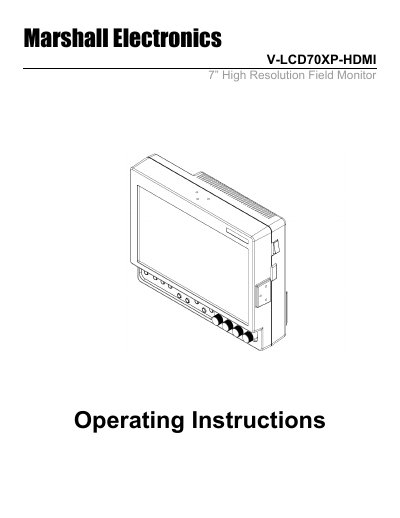
The Marshall V-LCD70XP-HDMI is a 7.0-inch high-definition widescreen LCD monitor designed for use as a light-weight high-resolution viewfinder or focus-assist monitor. It features a digital TFT-MegaPixel active matrix LCD platform with built-in focus assist and false color filters. The device supports multi-format compatibility, accommodating virtually all video formats including NTSC/PAL, 480i/p, 720p, and 1080i/p, as well as VESA PC formats up to XGA.
| Screen Size | 7.0 inch |
|---|---|
| Panel Type | TFT-MegaPixel active matrix LCD |
| Resolution | 1.2 million pixels |
| Brightness | 450 cd/m2 |
| Contrast Ratio | 600:1 |
| Power Consumption | 12 Watts |
| Input Power | 12VDC |
| Input Formats | NTSC/PAL, 480i/p, 720p, 1080i/p |
The monitor accommodates many video standards including NTSC/PAL, 480i/p, 576i/p, 720p, 1035i, 1080i, and VESA PC formats up to XGA.
To uninstall, remove the 5 screws on the adapter and disconnect the 4-pin connector. To install, connect the new adapter's 4-pin connector and re-install the 5 screws.
The monitor draws no more than 1.0 Amps at 12 Volts in operation, which equals 12 Watts.