
FLB 3204 - 4G (Europe) Extension Card INSTALLATION GUIDE IG-0026-00 1.4 en-US ENGLISH
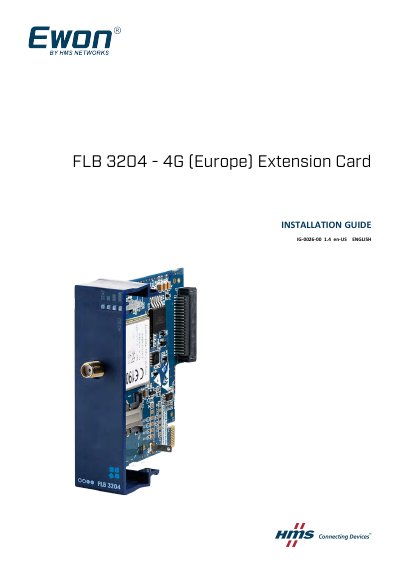
This document provides installation instructions for the FLB 3204 - 4G (Europe) Extension Card, a module designed for the Ewon Flexy family of industrial gateway and router base units. It details the hardware layout, front panel LED indicators, and specific environmental conditions for the card.
The guide covers the physical installation process, including base unit slot compatibility, SIM card insertion, and inserting the extension card into the base unit. It also explains how to power on the system and verify card detection via the embedded web page, along with antenna information.
| Operating Temperature | -25 to +60°C |
|---|---|
| Storage Temperature | -40 to +70°C |
| Relative Humidity | 10 to 95% non-condensing |
| Operating Altitude | Up to maximum 2000m |
| Storage Altitude | Up to maximum 3000m |
| Antenna Connector Type | SMA-F Female |
| Impedance | 50 Ohms |
| VSWR | <= 2:1 |
The operating temperature range is -25 to +60°C.
No, the 4G antenna has to be purchased separately.
It indicates that the modem was inserted in a wrong slot.