
The inSona Wireless Relay Device Installation Guide introduces the installation steps, operation and display, troubleshooting, etc. of the inSona Wireless Relay.
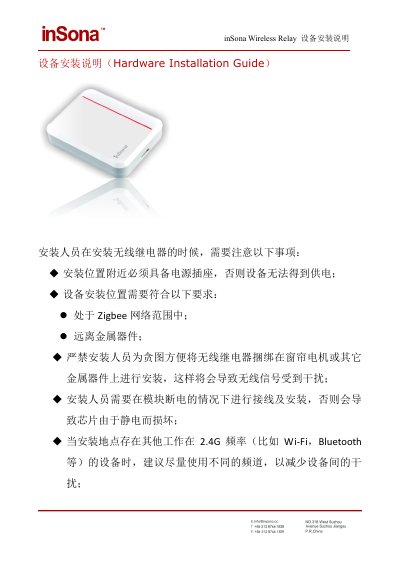
This guide covers installation of the inSona Wireless Relay, including placement precautions, external power and load wiring, and mounting after testing.
It also describes operation and display behavior, button and LED status meanings, network joining and leaving, and troubleshooting for loads that cannot be controlled. This manual is written in Chinese.
| External power input | +5 V to +24 V AC-DC (standard 12 V) |
|---|---|
| Wire gauge | 16-28 AWG |
| Relay channels | 4 |
It requires external 5 to 24 V AC-DC power, with 12 V as the standard supply.
Press the ID button 4 times; green LED flashing and then turning off indicates successful network joining.
Check that the device is powered, the load works and is wired reliably, the Zigbee network status, and the relay-to-load wiring.
The device did not successfully leave its previous network; press 9 times to leave, then press 4 times to rejoin.