
Key facts
- Manuals
- 1
- Languages
- ZH
- Last added
- 2026-10-13
Featured inSona manuals
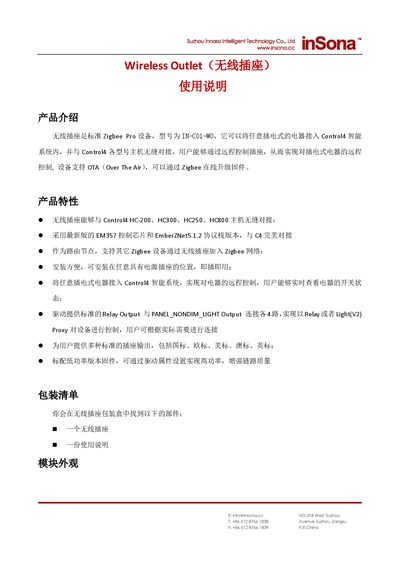
inSona IN-C01-WO Wireless Outlet User Manual
The inSona IN-C01-WO is a standard Zigbee Pro device designed to integrate with Control4 intelligent systems, allowing remote control of plugged-in appliances. It supports OTA firmware updates and acts as a routing node for other Zigbee devices. The unit features standard relay and light proxy outputs and is available with various international plug standards. This manual is written in Chinese.
Covers: Product Introduction · Product Specifications · Installation Instructions · Adding the Device · Driver Attributes · Device Control
Latest inSona manuals
inSona IN-C01-WO Wireless Outlet User Manual
User Manual 7 pages · 397 KB · ZHThis manual provides installation, operation, and troubleshooting instructions for the inSona IN-C01-WO Zigbee wireless outlet compatible with Control4 systems.
Which document do I need?
User Manual
Day-to-day operation, settings and troubleshooting. Start here if the product is already set up.
Questions answered in inSona manuals
How do I add the device to the Control4 system?
Download the driver from the website, open Composer, click Driver -> Add Driver, and select the inSona_WirelessPuck_2.c4i file.
How do I put the device into pairing mode?
Press the button 4 times; the green light will start flashing and then turn off to indicate successful network entry.