
DTU-W100 Data Transfer Unit User Manual introduces the installation, configuration and use of DTU-W100 Data Transfer Unit.
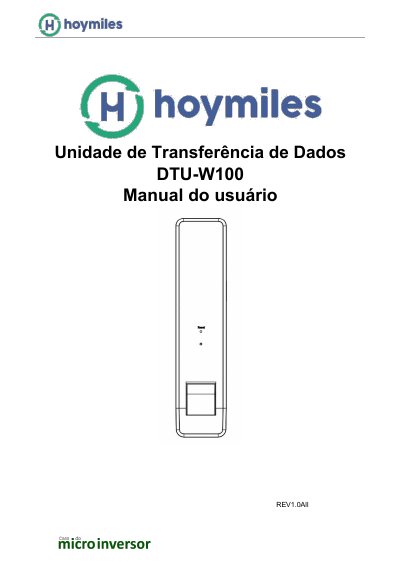
The Hoymiles DTU-W100 is the data transfer unit of the Hoymiles monitoring system. It acts as the relay station between Hoymiles microinverters and the Hoymiles monitoring server: it communicates with the microinverters over 2.4G RF to collect their data and status, and connects to the internet over Wi-Fi to exchange information with the Hoymiles cloud monitoring platform and to receive remote control commands.
The manual covers important safety information, the Hoymiles monitoring system, DTU installation, the Wi-Fi configuration process, the boot sequence and LED status description, installation tips, server navigation, the mobile app for viewing information, and the technical specifications. This manual is written in Portuguese.
| Communication method | 2.4G RF |
|---|---|
| Communication frequency | 2400 MHz to 2483.5 MHz |
| Number of channels | 5 |
| Communication distance (open environment) | 200 meters |
| Maximum number of components that can be connected | 99 MI-250, 49 MI-500, or 24 MI-1000 |
| Wi-Fi communication standard | 802.11b/g/n |
| Data upload time | 15 minutes |
| Adapter input voltage/frequency | 100 to 240 V AC / 50 or 60 Hz |
| Adapter output voltage/current | 5 V / 1 A |
| Power consumption | 0.8 W (normal) |
| Ambient temperature range | -20 °C to 55 °C |
| Dimensions (W x H x D) | 143 mm x 33 mm x 12.5 mm |
| Weight | 0.1 kg |
| Standard warranty | 2 years |
The username and password are both 'admin' by default.
Connect to the DTUW- wireless network, open a browser and enter 10.10.100.254.
The communication distance is 200 meters in an open environment.
Up to 99 MI-250, 49 MI-500, or 24 MI-1000 units.