
The GYS Smart Printer Module is an accessory that can print invoices for GYS smart products (chargers, welding machines, etc.). The printer is equipped with 2 USB ports, which can be used to connect a barcode reader and a keyboard.
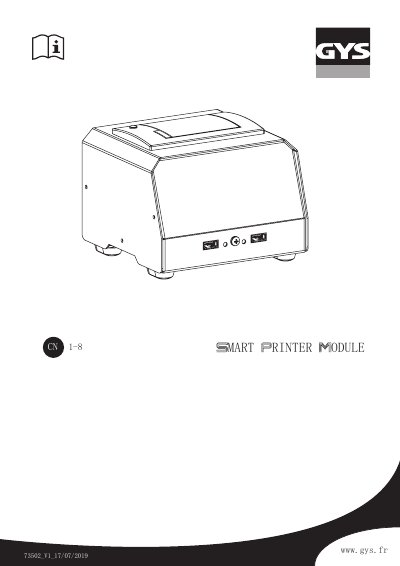
The GYS SPM Smart Printer Module is an accessory designed to print ticket reports for compatible GYS intelligent products, such as chargers and welding machines. The device features two USB ports for connecting barcode readers and keyboards, and it utilizes an SMC connector to link with the host unit. This manual is written in Chinese.
| Power Supply Voltage | 100-240 VAC |
|---|---|
| Power Frequency | 50 / 60 Hz |
| Maximum Input Current | 140-90 mA |
| Operating Temperature | 0°C > +40°C |
| Storage Temperature | -10°C > +50°C |
| Protection Class | IP21 |
| Noise Level | < 50dB |
| Resolution | 200 dpi |
| Print Speed | 80 mm/s max. |
| Paper Width | 57 mm |
| Dimensions | 140 x 105 x 133 mm |
| Weight | 1.35 kg |
The device operates between 0°C and +40°C.
The maximum print speed is 80 mm/s.
Check the SMC connection cable for poor connection or damage.
The barcode reader must be set to a baud rate of 9600 byte/s.