
Hypertension Management Software (HMS) 5.0 ABPM 7100 Instructions for Use CBP 2 License
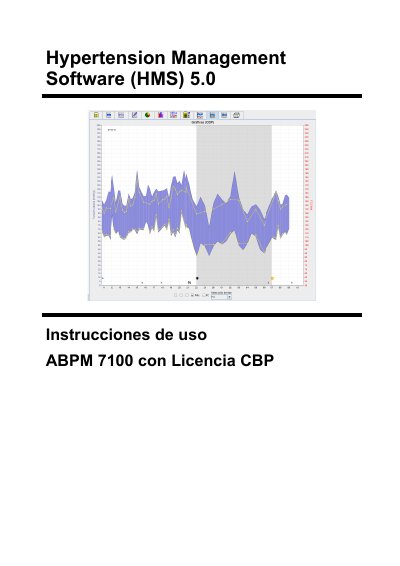
The Hypertension Management Software (HMS) 5.0 analyzes measurements from the Welch Allyn ABPM 7100 ambulatory blood pressure monitor. It transfers data via USB cable or Bluetooth, displays results in various graphical formats, and supports central blood pressure (CBP) analysis with the CBP license. The software manages patient records, measurement protocols, and provides statistical analysis of blood pressure trends over 24-hour periods.
The manual covers installation on Windows (Vista through 8.1), system requirements, USB and Bluetooth driver setup, patient management, measurement preparation, data transfer, and detailed analysis tabs including graphs, bar charts, scatter plots, frequency distribution, and CBP trends. It also describes office monitoring, configuration of default settings, database backup, and GDT interface configuration. This manual is written in Spanish.
| RAM | 1 GB |
|---|---|
| Hard disk space | 200 MB |
| Display resolution | 1024 x 768 pixels |
| USB ports | Two free USB ports |
| Operating systems | Windows Vista, 7, 8, 8.1 (32 and 64 bit) |
| Java Runtime Environment | Included on installation CD |
| Bluetooth adapter | USB adapter for Bluetooth 2.0, USB 1.1 or higher |
| Communication interfaces | USB interface cable or USB Bluetooth adapter |
Install HMS from the CD, then install the USB driver from the CD, and connect the USB interface cable to the computer.
Install HMS, install the Bluetooth driver from the CD, connect the USB Bluetooth adapter to the computer, and configure the Bluetooth interface between the ABPM 7100 and HMS.