
Adobe Dreamweaver Guide introduces how to use the software to create forms.
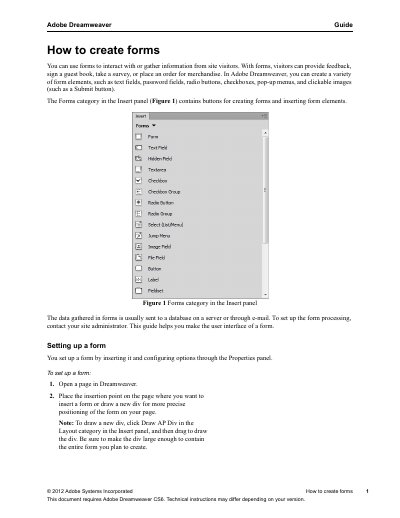
Adobe Dreamweaver CS6 includes tools for building web forms. This guide explains how to create a form, configure its method and action, and insert elements such as text fields, file fields, checkboxes, radio buttons, and list or drop-down menus.
It also covers setting accessibility labels and properties for each element. Form data is usually sent to a server database or by e-mail, and processing setup should be confirmed with the site administrator.
This document requires Adobe Dreamweaver CS6, and technical instructions may differ depending on your version.
Forms can be used to interact with or gather information from site visitors, such as feedback, guest book entries, surveys, or merchandise orders.
Form data is usually sent to a database on a server or through e-mail.