
A step-by-step guide on creating a DVD using Adobe Encore, covering project setup, importing video, configuring settings, and burning the disc.
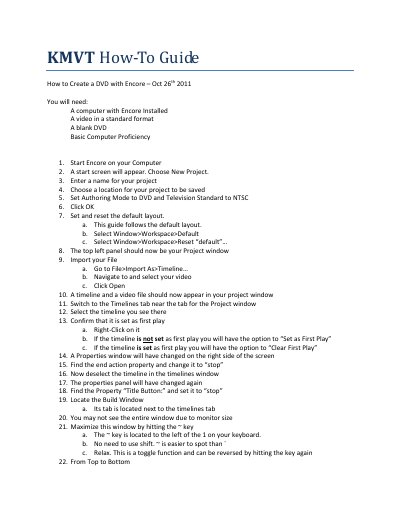
This document provides instructions for creating a DVD using Adobe Encore. It begins by listing required items, including a computer with Encore installed, standard format video files, and blank DVDs. The guide outlines the initial steps to start a new project, set the authoring mode to DVD Television Standard (NTSC), and configure the default workspace layout.
You need a computer with Encore installed, a video in a standard format, a blank DVD, and basic computer proficiency.
Set the Authoring Mode to DVD and Television Standard to NTSC.