
The document describes the user manual for the Allen Bradley Modbus Protocol Interface 1550 Communications Interface.
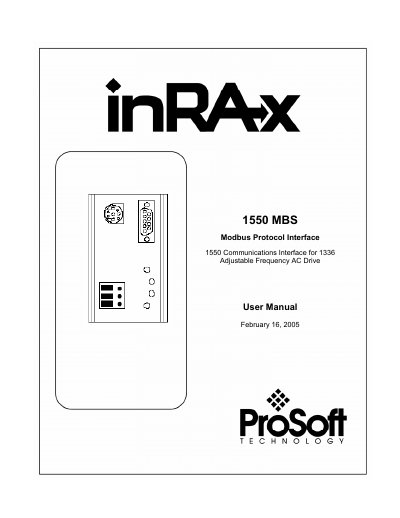
The ProSoft 1550-MBS Modbus Protocol Interface is a communications front end for Allen Bradley SCANport compatible products, including 1336 Plus/Force/Vector and 1305 drives. It operates as a Modbus RTU slave and supports function codes for reading and writing registers and coils.
This user manual covers quick start setup, product specifications, slave port functionality, hardware setup, drive parameter configuration, troubleshooting, cable diagrams, and mounting instructions for open and enclosed style units.
| Protocol mode | RTU mode with CRC-16 error checking |
|---|---|
| Slave Address | 1 to 63 |
| Baud Rate | 300 to 19200 baud |
| Physical Link | RS-232, RS-422 or RS-485 |
| Current Consumption | 60 ma DC |
| Input Voltage (Enclosed) | 85 to 264 VAC, 1 Phase 45 to 63 Hz |
| Operating Temp | 0 to 50 °C |
| Storage Temp | -40 to 85 °C |
It supports RTU mode with CRC-16 error checking.
The slave address can be set from 1 to 63.
The unit supports RS-232, RS-422 or RS-485 physical links.
Current consumption is 60 ma DC.