
Promise Vess R2000 Series Vess J2000 Series Quick Start Guide

The Vess R2000 Series and Vess J2000 Series Quick Start Guide introduces the features and specifications of the Vess R2000 Series and Vess J2000 Series products.
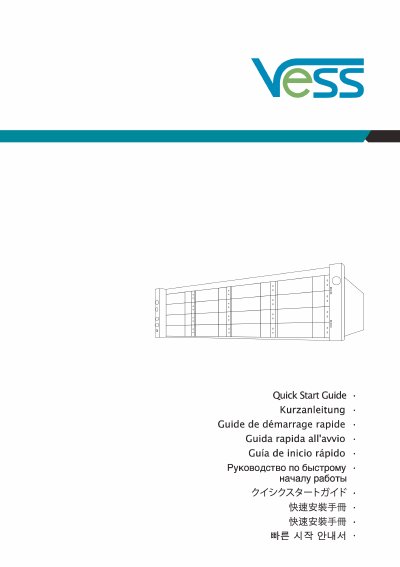

Promise Vess R2000 Series Vess J2000 Series Quick Start Guide - cover page
Brand
Promise
Category
Storage devices
Document type
Quick Start Guide
Language
English
Pages
213
File format
PDF
File size
8.2 MB
Published
15 November, 2023
Updated
15 November, 2023
MD5 checksum
C51C3FAFA1D49268972343292F619EB9

About this manual

This Quick Start Guide covers the Promise Vess R2000 Series and Vess J2000 Series storage subsystems. It provides setup instructions for the Vess R2600 and Vess J2600 units, including unpacking, rack mounting, and installing disk drives.

The guide also explains management connections, power connection, front and rear panel LEDs, IP address configuration, and creating logical drives with WebPAM PROe.

What's inside

  • VESS R2600 TASK LIST
  • TASK 1: UNPACKING
  • TASK 2: MOUNTING Vess R2600 IN A RACK
  • TASK 3: INSTALLING DISK DRIVES
  • TASK 4: MANAGEMENT CONNECTIONS
  • TASK 5: CONNECTING THE POWER
  • TASK 6: SETTING THE IP ADDRESS
  • TASK 7: CREATING LOGICAL DRIVES WITH WEBPAM PROE
  • CONTACTING TECHNICAL SUPPORT

Specifications

Model R2600fiD interfaceFC/iSCSI
Number of drives16
Power cord length1.5m (4.9 ft)
Disk drive screws70 pieces for 16-bay
CLI baud rate115200

Frequently asked questions

What is the default CLI login name?

Type administrator at the Login prompt.

What is the default CLI password?

Type password at the Password prompt.

How many power supplies are shipped with the unit?

The unit is shipped with 3 power supplies installed.

What is the CLI serial baud rate?

The CLI uses 115200 bits per second.

Download PDF (8.2 MB)

More Promise Manuals


View all Promise manuals →