
The Video ColorChecker Passport is made up of 4 individual targets inside one protective case and designed with the video/film production work flow in mind.
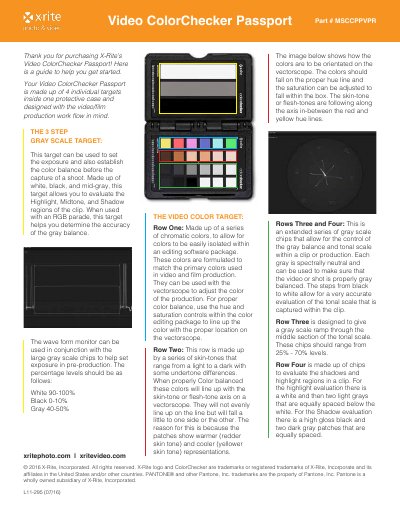
This guide introduces the X-Rite Video ColorChecker Passport, a tool designed for video and film production workflows. It consists of four individual targets housed in a protective case: a video color target, a three-step gray scale target, an extended gray scale series, and a white balance target. The document explains how to use these targets with editing software and camera tools like vectorscopes and waveform monitors to adjust color, exposure, and balance.
The product consists of four individual targets housed inside one protective case.
The percentage levels should be set to White 90-100%, Black 0-10%, and Gray 40-50%.
The focus target should be placed equidistant from the camera as the camera is to the subject.