
The CM10 is a 40-channel AM/FM 4W mobile radio with a frequency range of 26.565 to 27.99125 MHz. It uses PLL phase-locked loop technology, has an operating temperature range of -10° / +55°C, a DC input voltage of 13.2 V DC ±15%, and measures 180(L) X 35(H) X 140(D) mm and weighs 750 grams.
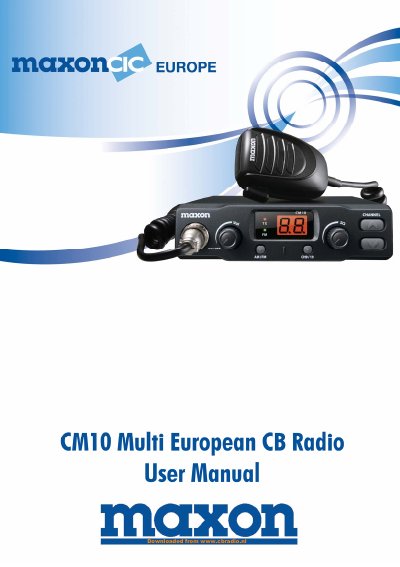
The Maxon CM10 is a multi European CB radio user manual. It explains front panel controls, microphone use, vehicle installation, antenna connection, and an operational test.
Programming is covered through 8 frequency band codes, including CEPT, and the manual also lists receiver and transmitter specifications and a conformity declaration.
| Channels | 40 Ch AM/FM 4w |
|---|---|
| Frequency Range | 26.565 to 27.99125 MHz |
| DC Input Voltage | 13.2 VDC +15% |
| Dimensions | 180(L) X 35(H) X 140(D) mm |
| Receiving System | DUal Conversion Super Heterodyne |
| Sensitivity | 0.5 uV for 20 db SINAD in FM mode |
| Audio Distortion | LESS Than 8% @ 1 KHz |
| Modulation | PM: 1.8 KHZ 0.2 KHZ |
| Frequency Response | POM 400 Hz to 2.5 KHZ |
| Output impedance | RP 50 ohm Unbalance |
Use the AM/FM Selector key. The selection is possible only if it is enabled on the programmed frequency band.
Turn the radio off, hold the UP key, turn it on, select the band code with UP or DN, then hold DN to store it.
Turn the radio off, hold the DN key, turn it on, and the CE frequency band code 06 will blink.
Insert the microphone lead into the connector and turn the connector ring clockwise to lock it.