
The Klein Tools TI250 is an easy-to-use, USB rechargeable Thermal Imager; power on to view unseen hot and cold spots for instant troubleshooting. The meter provides high and low temperature points, crosshairs to pinpoint specific temperatures, and options for temperature alarms. The addition of a microSD® card (optional) allows the meter to capture and store images for reporting.
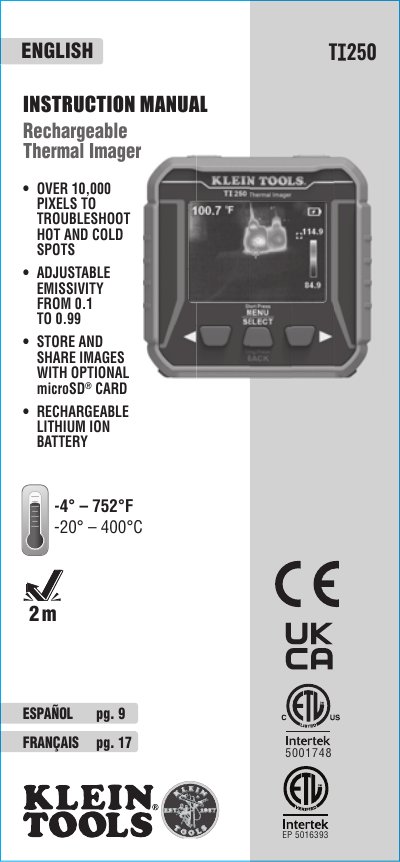
This is the English instruction manual for the Klein Tools TI250 rechargeable thermal imager, with French and Spanish translations included. It opens with general specifications such as the 10800-pixel VOX micro bolometer sensor, a -4° to 752°F (-20° to 400°C) temperature range, 50-degree field of view, 9 Hz frame rate and a 2.4" TFT LCD display, followed by safety warnings and a numbered diagram of the imager's parts.
The operating section explains charging through the Micro-USB port, the power, shutter, scroll and menu buttons, and each menu function, including temperature units, color pallets, the microSD® gallery, HI/LO alerts, auto power off and emissivity adjustment. It also covers photo capture and playback, the battery indicator states, an emissivity reference chart for common materials, and cleaning, storage, customer service and warranty information.
| Sensor | VOX Micro bolometer |
|---|---|
| Sensor Resolution | 10800 pixels |
| Temperature Range | -4° to 752°F (-20° to 400°C) |
| Temperature Accuracy | +/-3° or 3% (whichever greater); not calibrated below 14°F (-10°C) |
| Temperature Resolution | 0.1°F/0.1°C |
| Field of View (FOV) | 50 degrees |
| Frame Rate | 9 Hz |
| Sensitivity | <60 mk |
| Display Type | 2.4" TFT LCD |
| Emissivity | 0.1 to 0.99 adjustable (0.95 default) |
| Image Format | BMP |
| Image Storage | microSD® card (not included) |
| Dimensions | 3.18" × 3.11" × 1.02" (80.8 × 79 × 25.7 mm) |
| Weight | 5.5 oz. (156 grams) |
| Power | Lithium polymer battery 3.7V / 1350mAh (USB rechargeable) |
| Required Charger Current / Voltage | 800mA / 5V DC |
| Charging Current / Time | 450mA / 3 hours |
| Drop Protection | 6.6 ft. (2m) |
| Operating Temperature | 32° to 113°F (0° to 45°C) |
| Storage Temperature | -4° to 140°F (-20° to 60°C) |
| Auto Power Off | User-selectable for 5, 10, or 30 minutes |
It measures from -4° to 752°F (-20° to 400°C), with 0.1°F/0.1°C temperature resolution.
Normal charging time is about 3 hours using the included Micro-USB cable, at 450mA charging current.
No. A microSD® card is optional and not included, but it must be installed before powering on to use photo capture.
The default is 0.95; emissivity is adjustable from 0.1 to 0.99 to match the material being measured.
Press the Camera Shutter Button to take a photo, then press the Right Scroll Button to save it or the Left Scroll Button to discard it.