
The Nebula Capsule 3 Laser is a portable projector with the following features:
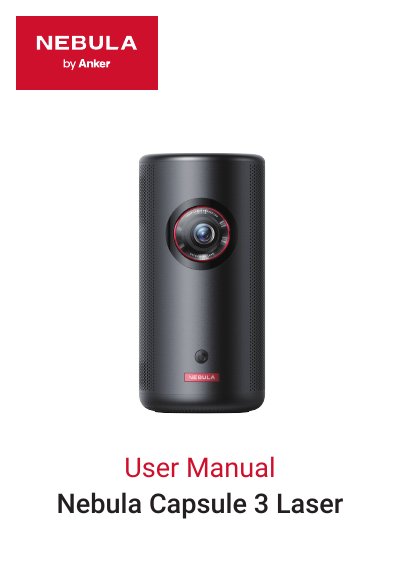
The Nebula Capsule 3 Laser D2426 is a projector with auto focus and auto keystone correction. This user manual covers important safety instructions, what's included, projector and remote control overview, charging and power, setup with the Nebula Connect app, settings, and using the projector with apps, voice assistant, wireless screen mirroring, HDMI devices, USB drives, external sound devices, and Bluetooth speaker mode.
The manual also includes system update steps, specifications, troubleshooting, notices, trademarks, and warranty information. The specifications list a 1920 × 1080 resolution, 500:1 contrast ratio, 16:9 aspect ratio, 40" to 120" screen size, 1.2:1 throw ratio, laser light source, and auto focus and keystone correction.
| Input | 5V 3A or 9V 3A or 12V 3A or 15V 3A or 20V 2.25A |
|---|---|
| Power Consumption | < 45W |
| Standby Power Consumption | < 0.5W |
| Resolution | 1920 × 1080 |
| Contrast Ratio | 500:1 |
| Aspect Ratio | 16:9 |
| Screen Size | 40" to 120" |
| Throw Ratio | 1.2:1 |
| Throw Distance | 1.06~3.18 m / 3.48~10.43 ft |
| Light Source | Laser |
| Focus | Auto |
| Keystone Correction | Auto |
It has a resolution of 1920 × 1080.
Press and hold the power button for 3 seconds to power on or off.
Use lens cleaning paper to clean the lens.
Press the mode button to switch between Bluetooth speaker mode and projector mode.