
Key facts
- Manuals
- 1
- Languages
- EN
- Last added
- 2023-10-26
Featured Nebula manuals
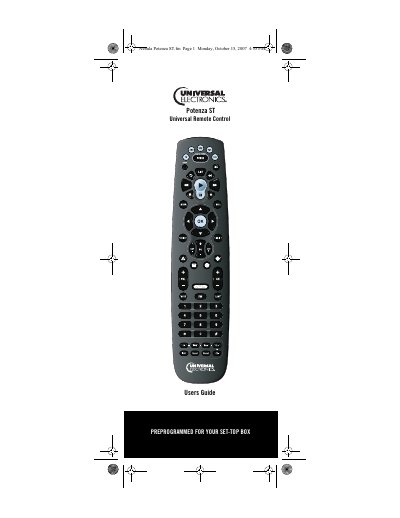
Nebula Potenza ST Universal Remote Control User Manual
This user manual explains how to install batteries, program device control, set up combo units, search for codes, and use learning features for the Nebula Potenza ST remote. It includes setup codes for TVs, DVD players, VCRs, and audio receivers. The guide also covers troubleshooting and advanced programming options like macro keys and ID lock.
The remote is preprogrammed for common devices and can be customized for others using manufacturer codes or code search methods. It supports multiple modes including TV, DVD, VCR, audio, and set-top box control, with detailed instructions for each.
Covers: Introduction · Features and Functions · Key Charts · Device Table · Installing Batteries · Programming Device Control
Latest Nebula manuals
Nebula Potenza ST Universal Remote Control User Manual
User Manual 56 pages · 3.1 MB · ENUser guide for the Nebula Potenza ST universal remote control, covering setup, programming, and troubleshooting for various devices.
Which document do I need?
User Manual
Day-to-day operation, settings and troubleshooting. Start here if the product is already set up.
Questions answered in Nebula manuals
How do I install batteries in the remote?
Push the tab and lift off the battery cover, insert two AA batteries with correct polarity, then press the cover back into place until it clicks.
From: Nebula Potenza ST Universal Remote Control User Manual
What devices is the remote preprogrammed for?
The remote is preprogrammed to operate a set-top box from your TV service provider, an RCA TV, a Toshiba DVD player, an RCA VCR, and a Pioneer audio receiver.
From: Nebula Potenza ST Universal Remote Control User Manual