
This user manual provides instructions for the safety, setup, operation, and troubleshooting of the Nebula Cosmos Max projector.
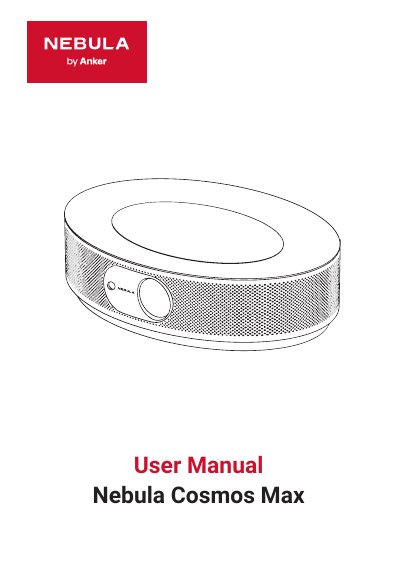
This document is the user manual for the Nebula Cosmos Max projector. It covers essential safety precautions, package contents, and product specifications. The guide details the initial setup process, including connecting the power adapter and using the remote control. This manual is written in Japanese.
| Operating Temperature | 0 ~ 35° C |
|---|---|
| Storage Temperature | 0 ~ 35° C |
| Operating Environment Temperature | 5 ~ 25° C |
| Power Adapter Output | DC 19V / 9.47A |
| USB Compatibility | USB 2.0 or later |
| Projection Distance | 0.58 ~ 3.98m |
| Projection Size | 30 ~ 150 inches |
| Remote Control Model | Nebula RC D0413 |
The proper operating and storage temperature is 0 to 35° C.
The power adapter outputs DC 19V at 9.47A.
You need to maintain a distance of approximately 0.58 to 3.98 meters between the projector and the screen.