
The 135 Series IV Lifestyle® home entertainment system is a high-quality sound system with the following features: * 5.1 channel surround sound * Bluetooth connectivity * Built-in streaming services * 4K Ultra HD video support * Simple setup and operation
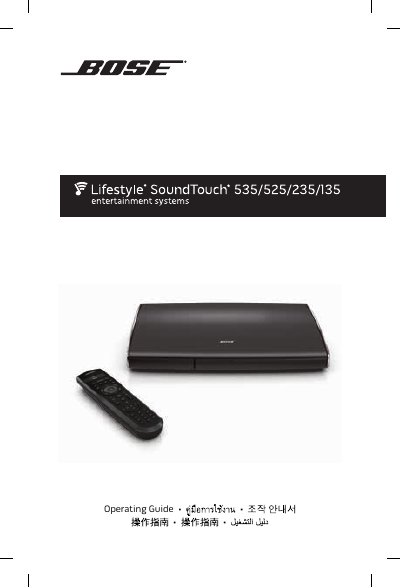
This operating guide explains how to use the Bose Lifestyle SoundTouch 135 Series IV home entertainment system, which provides Bose quality audio for video sources along with SoundTouch and Bluetooth wireless technology. It covers the RF remote control and its MORE buttons, powering the system on and off, selecting sources, watching TV, using the SoundTouch app and Bluetooth source, the AM/FM radio, and the front console USB, analog A/V and HDMI inputs.
The guide also describes system options, the UNIFY integration menu for adding devices, system status indicators for the control console, soundbar and Acoustimass module, and care and maintenance topics such as troubleshooting, resetting the system, pairing the remote, performing software updates, replacing remote batteries and cleaning. It ends with limited warranty, technical and licensing information and an appendix of source remote control functions.
| Video up-conversion | 1080p |
|---|---|
| 3D video capability | Supported (requires 3D-capable TV and sources) |
| Radio | AM/FM |
| Wireless adapter | SoundTouch series II wireless adapter for SoundTouch and Bluetooth |
| Network connection | Ethernet connector for wired home network access |
| Remote control | Radio frequency (RF) remote |
Press and hold the glow button and OK simultaneously for five seconds, then select Brightness or Contrast and adjust the level with the volume buttons.
Hold one of the number keys (1-6) to set a preset, as shown by the on-screen prompt.
Use the corresponding MORE button on the remote, which clears the Bluetooth pairing list.
You can stream Internet radio, music services and your music library over your home Wi-Fi network using the free SoundTouch app.