
The controller has seven opto-insulated inputs, controlled with 24V and seven transistor outputs. The inputs and the outputs can be galvanic separated. The controller manages the system pneumatic cylinder and induction heating generator.
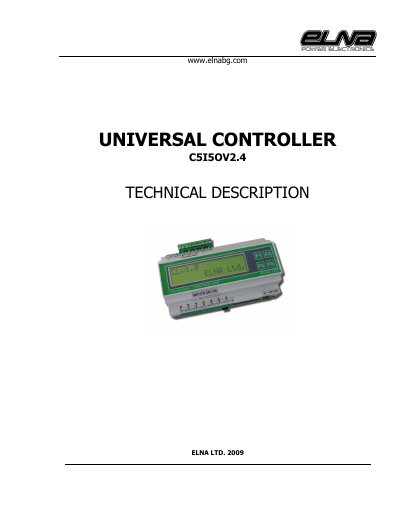
The ELNA C5I5OV2.4 universal controller manages a system pneumatic cylinder and induction heating generator. It has seven opto-insulated 24 V inputs and seven transistor outputs, which can be galvanically separated, plus an LCD display with two rows of 16 symbols and four functional keys.
The document describes the control panel, system status messages, parameter menus and adjustable timing values, operating sequence, error indications, and input/output connections. Adjustable parameters include heating, cooling, gripping, and cylinder movement times, with stated ranges for each.
| Inputs | Seven opto-insulated inputs controlled with 24 V |
|---|---|
| Outputs | Seven transistor outputs |
| Galvanic separation | Inputs and outputs can be galvanically separated |
| Display | LCD display with 2 rows of 16 symbols each |
| Functional keys | 4 functional keys (F1 to F4) |
| Heating time range | 0.01 to 1.50 s |
| Cooling time range | 0.01 to 2.50 s |
| Gripping time range | 0.01 to 0.20 s |
| Cylinder movement time range | 0.01 to 1.00 s |
It indicates readiness: the system is in its initial state with the cylinder open and waits for a start signal or a user command in manual mode.
Press key F3 (ENTER); the system switches to manual mode and shows the basic display with system status.
Press button F3-é; the error clears and allows a new system start.
The controller uses seven digital 24 V inputs for sensors, including open cylinder, closed cylinder, and start signal.