
The Lenovo Cleaner E2/E2 Pro is a smart sweeping robot with the following features: 1. It uses LDS laser radar navigation to achieve precise mapping of the whole house and plan efficient cleaning routes. 2. Equipped with 3300Pa strong suction, it can easily absorb ground dust, hair and other garbage. 3. Equipped with a 250ml large-capacity water tank, it can realize the wet mopping function and clean more thoroughly. 4. Support mobile phone APP control, you can control the sweeper at any time and anywhere, and view the cleaning record.
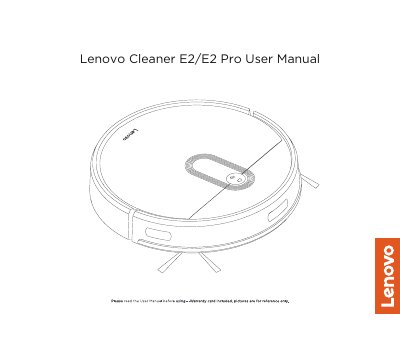
This is the user manual for the Lenovo Cleaner E2/E2 Pro, a floor-cleaning robot vacuum that also supports a mopping mode with a water tank and rag. The document lists use restrictions and precautions, identifies the parts of the main machine, charging dock and accessories, and shows how to install the dock and side brushes, power on and charge the machine, and set up mopping.
The manual also covers the remote control supplied with the E2 Pro, Wi-Fi connection using only the 2.4 GHz band, scheduled cleaning, a list of common problems with their solutions and error prompts from Error 1 to Error 10.
| Operating ambient temperature | 0°C to 40°C |
|---|---|
| Wi-Fi band | 2.4 GHz only |
| Space around charging dock | More than 0.5 m to the left and right, 1.5 m in front |
| Battery maintenance when unused | Charge at least once every 3 months |
| Minimum power for scheduled cleaning | 15% or above |
No. The machine supports only the 2.4 GHz band, so the Wi-Fi connection will fail on other bands.
No. The lithium battery has no memory effect and can be used as soon as it is fully charged.
No. The manual states that the mopping function should not be used on the carpet.
Place the machine on the docking station aligned with the charging electrode so it powers on automatically, and check that the ambient temperature is within 0°C to 40°C.