
This is an operating manual for managing fixed assets at Virginia Tech
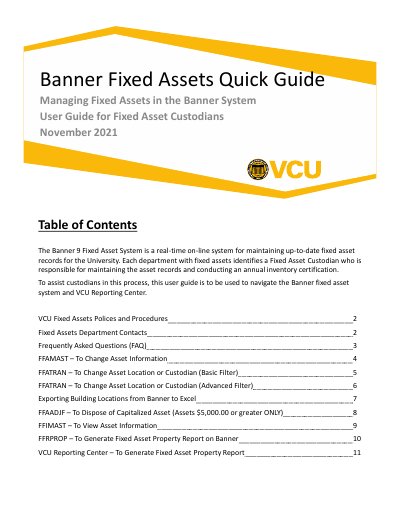
The document serves as a quick guide for the Banner 9 Fixed Asset System, designed to help departmental custodians maintain up-to-date fixed asset records. It outlines responsibilities for annual inventory certification and provides instructions on using specific system forms.
Key procedures covered include updating asset information (FFAMAST), transferring assets or changing custodians (FFATRAN) using both basic and advanced filters, exporting data to Excel, disposing of capitalized assets, generating property reports via Banner and the VCU Reporting Center, and viewing asset details.
Tag numbers must be 9-digits in Banner. Add extra zeroes as needed: assets beginning with 9 or below get 2 zeroes front and back; assets beginning with 10 or above get 1 zero front, 2 back.
Tag numbers must be exactly 9 digits, requiring extra zeroes to be added in front or back depending on the original asset number.
Each Fixed Asset Custodian must conduct this annual inventory by June 30 of each fiscal year to verify data accuracy.
A memo sent from the head accountant must be signed along with a list confirming that all assets used during the certification period are accounted for.