
This is a 2.2 megapixel tracking smart camera, model WTW-IPW108. It can track moving objects and shoot them. It also has night vision, which can shoot clear images in dark environments.
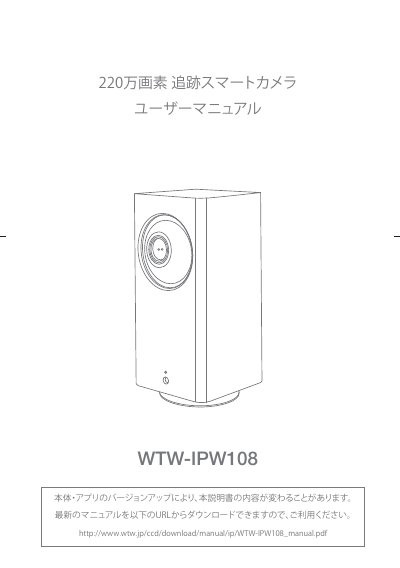
This Japanese-language manual is for the WTW-IPW108, a 2.2-megapixel tracking smart camera. It walks through initial setup in the Mi Home app, including scanning the setup QR code, creating or signing in to a Mi Account, selecting Mainland China, and connecting the camera to a 2.4 GHz Wi-Fi network.
The guide also covers inserting a microSD card, using the reset button, adding the camera in the app, adjusting camera settings such as speaker and microphone, and sharing access with other Mi accounts. A specifications table lists the model, rotation range, wireless standard, power input, weight, dimensions, and contact information. This manual is written in Japanese.
| Model | WTW-IPW108 |
|---|---|
| 5 GHz Wi-Fi | Not supported |
No. The manual states that a 5 GHz wireless network is not supported on this device.
You need a Mi Account; the guide shows creating an account and signing in.
The model number is WTW-IPW108.