
WTW Cond 3110 Conductivity Meter Quick Start Guide

WTW Cond 3110 conductivity meter quick start guide covering initial setup, calibration, cell constant and measurement steps.
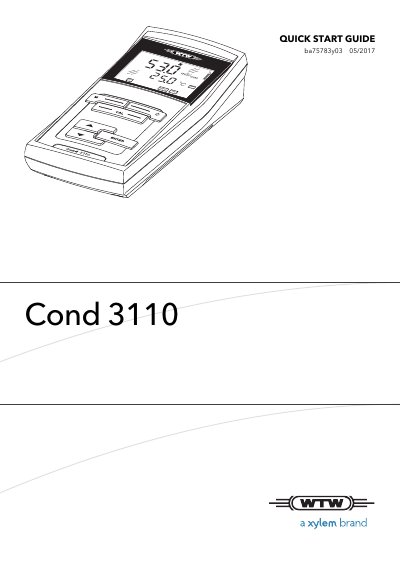

WTW Cond 3110 Conductivity Meter Quick Start Guide - cover page
Brand
WTW
Category
Other Electronics
Document type
Quick Start Guide
Language
English
Pages
60
File format
PDF
File size
2.1 MB
Published
09 November, 2026
Updated
09 November, 2026
MD5 checksum
17D678C4699B1716127378BBBEA62179

About this manual

The Cond 3110 is a compact precision conductivity meter for quick and reliable conductivity measurements, with emphasis on operating comfort, reliability and measuring certainty.

This quick start guide explains keypad and display functions, initial commissioning, cell constant determination or manual setting, conductivity measurement and calibration interval settings.

What's inside

  • Overview
  • Keypad
  • Display
  • Status display indicators
  • Socket field connections
  • Initial commissioning
  • Determining/setting up the cell constant
  • Measuring the conductivity
  • Calibration interval (Int.C)

Specifications

Cell constant calibration range0.800 ... 0.880 cm-1
Manual cell constant range0.800 ... 1.200 cm-1
Control standard0.01 mol/l KCl
Conductivity unitsmS/cm or µS/cm

Frequently asked questions

How do I switch on the Cond 3110?

Press the key to switch on the meter.

How is the cell constant determined by calibration?

Immerse the measuring cell in the control standard solution and start the calibration with ; the meter determines and stores the cell constant.

What is the manual cell constant setting range?

The cell constant can be set manually in the range 0.800 ... 1.200 cm-1.

How do I set the calibration interval?

Open the measurement settings menu with , confirm until Int.C is displayed, set the interval with <> and confirm with .

Download PDF (2.1 MB)

More WTW Manuals


View all WTW manuals →