
Operating manual for the WTW Multi 350i universal pocket meter, covering safety, operation, calibration, and technical specs.
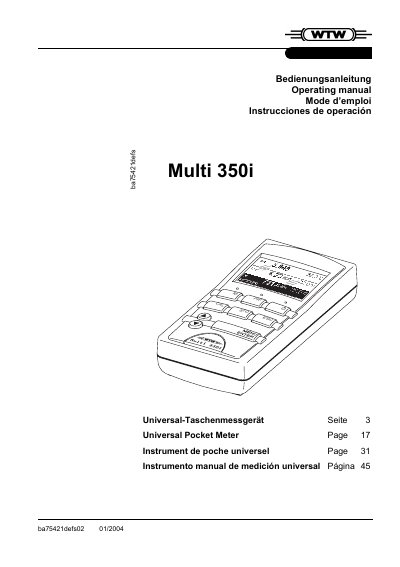
This manual provides instructions for operating the WTW Multi 350i universal pocket meter. It covers safety precautions, device startup, menu navigation, measurement functions, calibration procedures, and technical specifications. The device supports multiple sensors including pH, dissolved oxygen, and conductivity, with automatic calibration and temperature compensation features. Users can configure settings such as calibration intervals, temperature input, and salinity correction for accurate measurements.
The manual includes multilingual sections (German, English, French, Spanish) and references to an online PDF version for more detailed information. It also explains how to connect the device to a PC for firmware updates and data transfer via RS232 interface. This manual is written in German.
| Calibration Interval | 1 to 999 days |
|---|---|
| Temperature Compensation | Non-linear [nLF] per EN 27 888, Linear [lin] with adjustable coefficient, None |
| Salinity Correction | Automatic or manual, available with ConOx dual sensor |
Select the desired measurement type, ensure the correct calibration method is set in the measurement menu, then press
It supports pH, dissolved oxygen, conductivity, and combined sensors, with automatic temperature compensation and salinity correction for oxygen measurements.
Use the supplied AK 340/B cable and a PC to upload the latest firmware from the WTW website.