
This guide describes the features and functions of the PLEXTALK PTN2 players.
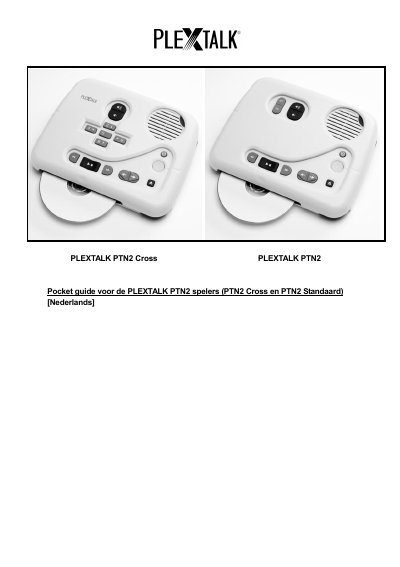
This seven-page Dutch pocket guide covers the PLEXTALK PTN2 Cross and the PTN2 Standard. It identifies the speaker, On/Off, sleep, CD eject and title buttons, volume control, CD slot, SD card slot, USB connection, headphone jack and power adapter connection. It also explains how to remove the cover plate and describes the keys available without the cover.
The guide gives examples for playing a DAISY book from CD, playing audio or music files, playing text or MS Word DOC files with a synthetic voice, and making backups between CD, SD card and USB media. It ends with the menu structure for playback settings, skip settings, media management and system settings. This manual is written in Dutch.
| Supported media | CD, SD card, USB |
|---|---|
| Sleep timer range | 15 minutes to 1 hour |
| Synthetic voice languages | Dutch and English |
Press and hold the On/Off button for 2 seconds.
You can choose a sleep time from 15 minutes to 1 hour.
Press the 9 button to start the backup.
Carefully remove the cover plate from the PLEXTALK PTN2 player.