
Key facts
- Manuals
- 1
- Languages
- ZH
- Last added
- 2012-03-12
Featured Plextalk manuals
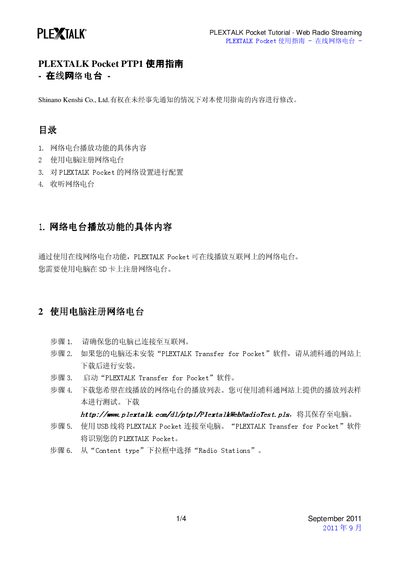
PLEXTALK PTP1 Pocket User Guide – Web Radio Streaming
The guide provides step‑by‑step instructions for registering online radio stations, configuring Wi‑Fi/network settings, and listening to streamed stations on the PLEXTALK Pocket. It also references the companion PTP1 user manual for additional details.
Users learn how to download a playlist on a computer, transfer it to the Pocket via the PLEXTALK Transfer software, enable the device’s network interface, select a wireless network, and finally choose and play a web radio station. This manual is written in Chinese.
Covers: Web Radio Streaming Function Details · Register Web Radio with PC · Configure Network Settings · Listen to Web Radio
Latest Plextalk manuals
PLEXTALK PTP1 Pocket User Guide – Web Radio Streaming
User Manual 4 pages · 91 KB · ZHThis guide explains how to set up and use the web radio streaming feature on the PLEXTALK Pocket PTP1.
Which document do I need?
User Manual
Day-to-day operation, settings and troubleshooting. Start here if the product is already set up.
Questions answered in Plextalk manuals
How can I register a web radio station on the PLEXTALK Pocket?
Download a playlist on a computer, then use the “PLEXTALK Transfer for Pocket” software to send the file to the Pocket’s SD card.
How do I configure the wireless network on the PLEXTALK Pocket?
Open System Settings → Network Settings, enable the network device, search for available networks, and enter the required security and IP settings.