
This document is the user guide for PLEXTALK PTN2, providing instructions for use and important notices.
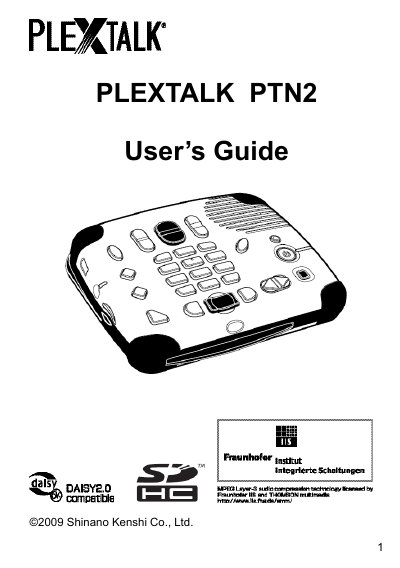
The PLEXTALK PTN2 is a dedicated digital audio player designed to support the Digital Accessible Information System (DAISY) format for accessible talking books. This guide provides instructions on getting started with the device, including battery insertion, charging, and turning the unit on or off.
Detailed chapters cover navigating the menu system, playing DAISY titles using various navigation features like headings, pages, groups, and phrases, as well as playing standard audio files and music CDs. The manual also includes sections on media management, power settings, and troubleshooting.
| Supported Format | DAISY 3 text format, Audio files, Music CDs, Text Files (plain/HTML) |
|---|---|
| Storage Capacity | Up to 90 hours of digital audio on a single CD (700MB) |
DAISY stands for Digital Accessible Information System.
Yes, the PLEXTALK PTN2 supports playing music CDs in addition to DAISY titles and audio files.
You can reset the PLEXTALK to factory defaults using the 'Other useful features' section in the guide.