
The DX2-REMA/B-ACS2 is a wheelchair control solution that helps users understand and install the Dynamic DX2 ACS2. The product is part of the DX System and must be read together with the DX System Manual and all other relevant DX and DX2 component manuals.
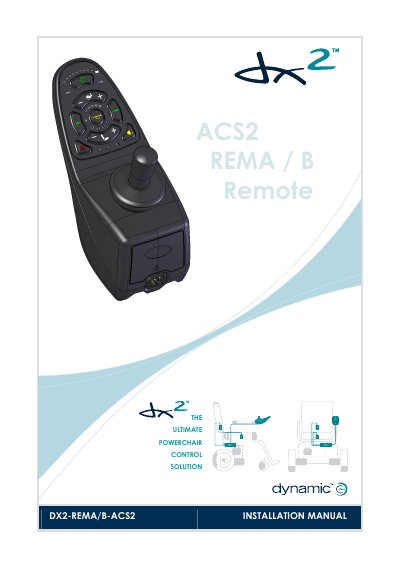
The DX2-REMA/B-ACS2 is a DX-compatible simple Master Remote in the DX2 range. According to the manual, it has an LED-based display, joystick driving, actuator and light operation, system configuration backup with DX2 Power Modules, and a low-force joystick.
The manual explains keypad operation, turning the DX System on and off, drive profiles, horn, seating functions, battery gauge and fault indications. It also covers installation and testing, specifications, mounting, connection with the DX System, programming parameters and appendices including maintenance and safety warnings.
| Joystick force | Typically less than 2.2 N |
|---|---|
| Drive Profiles supported | 5 |
Press the on/off button. If the on/off button is pressed while the chair is driving, the chair will perform an emergency stop before it turns off.
Press the on/off button for 4 seconds to lock the DX System. To unlock it, press the on/off button and then press the horn button twice within 10 seconds.
An Out Of Neutral At Power Up fault occurs, and the chair will not drive until the joystick is released back to the centre.
Press “+” to increase the Drive Profile or “-” to decrease it; the selected Drive Profile is shown on the Drive Profile LEDs.