
The LEDJ57 - 1T36 is a black-housed LED light with 1 x 36W tri-colour LED (RGB) and convection cooling, no fan.
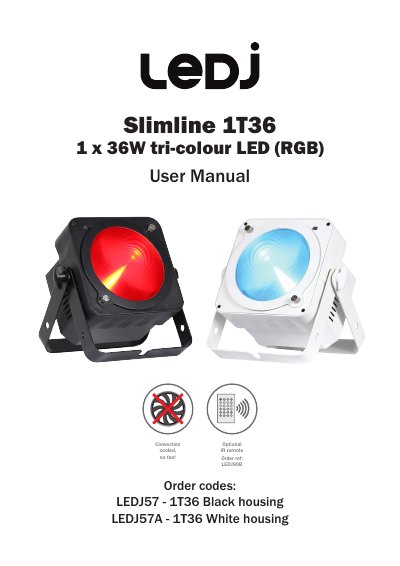
The Slimline 1T36 is a 36W tri-color COB LED fixture with a 110° beam angle (20° with supplied lens) and convection cooling. It operates on 100-240V AC, consumes 40W, and weighs 2.1 kg. The unit features side-entry XLR and IEC power connections, a 4-button menu with LED display, and rubber feet for floor placement.
It supports DMX (3 or 5 channels), static color, color change/fade, auto programs, sound-active, master/slave, and RGB color mix modes. An optional IR remote (LEDJ90B) provides blackout, dimming, flash, program selection, speed control, DMX address setting, and mode switching. The fixture is for professional indoor use only and must be installed by a qualified technician.
| Power consumption | 40W |
|---|---|
| Power supply | 100~240V, 50/60Hz |
| Fuse | F1A 250V |
| Dimensions | 210 x 220 x 120mm |
| Weight | 2.1kg |
| Beam angle | 110° (20° with supplied lens) |
| Lux at 2m (110°) | 130 Lux |
| Lux at 2m (20°) | 1688 Lux |
| Refresh rate | 1.1kHz |
| DMX channels | 3 or 5 selectable |
The fixture operates on 100-240V AC, 50/60Hz.
It supports 3-channel and 5-channel DMX modes, selectable via the menu.
The native beam angle is 110°; with the supplied lens it narrows to 20° (field angle 28°).
Press the 'S' button, then enter the three-digit address using number buttons, and press 'DMX MODE' to save.