
Key facts
- Manuals
- 1
- Languages
- EN
- Last added
- 2026-09-30
Featured PRO Light manuals
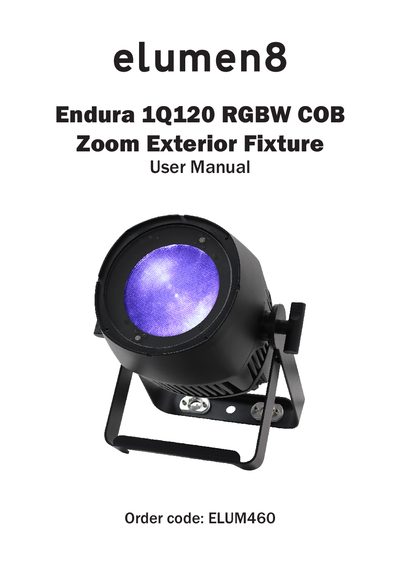
Prolight Endura 1Q120 RGBW COB Zoom User Manual
This manual begins with safety advice, warning users to inspect the fixture for transport damage, avoid modifying the unit, and follow proper wiring and power‑up procedures. It also outlines warranty information and the need for qualified technicians for service.
The document then details the fixture’s technical data, including a 120 W quad‑colour COB LED, adjustable beam angle (13‑38°), 3.6 kHz refresh rate, and selectable DMX channel modes (2, 5, 9 or 10). It explains DMX addressing, cable requirements, power‑linking capabilities, and disposal instructions, giving users the information needed to install and operate the Endura 1Q120 safely and effectively.
Covers: Safety Advice · Product Overview & Technical Specifications · Operating Instructions · DMX Addressing · DMX Setup and Cabling · Power Linking
Latest PRO Light manuals
Prolight Endura 1Q120 RGBW COB Zoom User Manual
User Manual 12 pages · 1.7 MB · ENThe Prolight Endura 1Q120 RGBW COB Zoom user manual provides safety guidelines, technical specifications, DMX setup, and operating instructions for the…
Which document do I need?
User Manual
Day-to-day operation, settings and troubleshooting. Start here if the product is already set up.
Questions answered in PRO Light manuals
How do I set the DMX address on the Endura 1Q120?
The DMX address is set on the back of the unit using the menu; the fixture can be assigned any start address from 1 to 512.
What safety precautions should be taken before using the fixture?
Inspect for transport damage, do not modify the unit, keep power cables away from other cables, use the correct fuse, and disconnect power when cleaning or not in use.