
LG isai VL LGV31 Setting Guide

The LGV31 is a smartphone that comes with a software keyboard that allows you to enter characters.
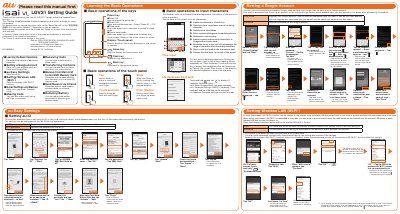

LG isai VL LGV31 Setting Guide - cover page
Brand
LG
Category
Cell Phones
Document type
User Manual
Language
English
Pages
2
File format
PDF
File size
18.6 MB
Published
05 November, 2023
Updated
05 November, 2023
MD5 checksum
F4EE999D7D6426614D9FF8EAD5872317

About this manual

This Setting Guide describes the basic operations and initial settings for using the LG isai VL (LGV31). The product is sold by KDDI CORPORATION and OKINAWA CELLULAR TELEPHONE COMPANY, imported by LG Electronics Japan, Inc., and manufactured by LG Electronics Inc.

It covers learning the basic operations, setting a Google Account, au Easy Settings, receiving calls, transferring contacts from an old au phone, and backing up data from the main unit to a microSD memory card.

What's inside

  • Learning the Basic Operations
  • Setting a Google Account
  • au Easy Settings
  • Receiving Calls
  • Transferring Contacts
  • Backup from Main Unit to microSD Memory Card
  • Basic operations of the keys
  • Basic operations of the touch panel
  • Basic operations to input characters
  • Setting Wireless LAN

Frequently asked questions

How do I turn the power on?

Press and hold the power key.

How do I cancel sleep mode?

Press the power key in sleep mode to display the unlock screen, then swipe on the unlock screen to unlock.

Can I transfer contacts from my old au phone?

Yes, you can transfer your contacts data from your old au phone.

Download PDF (18.6 MB)

More LG Manuals


View all LG manuals →