
Bose SoundTouch Wireless Link Owner's Guide

This document is the SoundTouch® Wireless Link 2 manual, which introduces the product's features and usage methods.
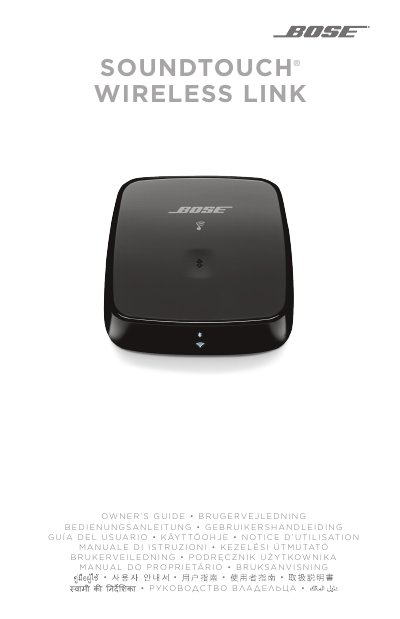

Bose SoundTouch Wireless Link Owner's Guide - cover page
Brand
Bose
Document type
User Manual
Language
English
Pages
632
File format
PDF
File size
11.4 MB
Published
03 November, 2023
Updated
03 November, 2023
MD5 checksum
58CC4D100EF09D5CE251BB15F3844128

About this manual

This Owner's Guide covers the initial setup of the Bose SoundTouch Wireless Link, including unpacking, placement guidelines, and connecting the device to your audio system via Optical, AUX, or Analog inputs. It details how to connect to AC power and configure the device using the SoundTouch app or a computer.

What's inside

  • What's in the Carton
  • Initial Setup
  • Cable options
  • Connect the SoundTouch Wireless Link to your audio system
  • Connect to AC power
  • SoundTouch App Setup
  • Bluetooth Connections
  • Cabled Device Connections
  • Status Indicators
  • Troubleshooting

Frequently asked questions

What is the minimum distance required between the product and your body during operation?

The equipment should be operated with a minimum distance of 20 cm between the radiator and your body.

How long must you press and hold the Control button to deactivate Wi-Fi and Bluetooth?

You must press and hold the Control button on the back of the unit until the Wi-Fi and Bluetooth indicators turn off.

What does the eighth digit of the serial number indicate regarding the product's manufacture date?

The eighth digit in the serial number indicates the year of manufacture, where '0' represents 2010 or 2020.

Download PDF (11.4 MB)

More Bose Manuals


View all Bose manuals →