
RM-168 MediaPlayer is a multimedia player that supports RM, RMVB, AVI, MPEG, DAT, VOB, JPEG, BMP, MP3, WMA, etc. It can be connected to a TV via AV and YpbPr interfaces, and can also be connected to a computer via USB
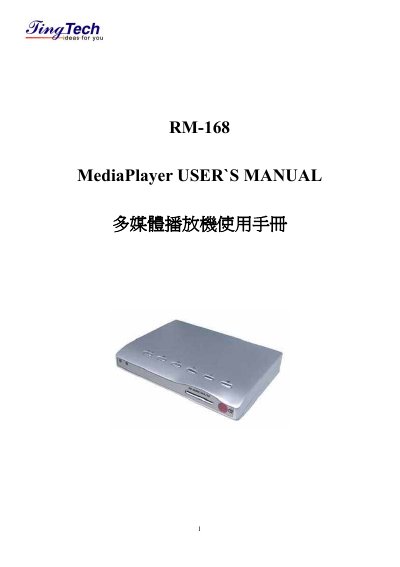
This is the user manual for the MediaPlayer RM-108 multimedia player, a small player built on the AML7228 single-chip processor. It plays movie, music and photo files stored on SD, MMC, MS and XD cards or on USB flash drives and USB hard disks, and it outputs video through AV or component (YpbPr) terminals, supporting NTSC and PAL.
The manual explains the parts of the unit and its remote control, how to connect it to a traditional or LCD television and to a computer through mini-USB, basic operation, the setup menu (language, photo display speed, repeat modes, screen ratio, TV output mode, autoplay and factory reset), file management, troubleshooting and the standard accessories. A specification table and a question-and-answer section close the booklet. This manual is written in Chinese.
| CPU | AML7228 single-chip microprocessor |
|---|---|
| Video outputs | AV-OUT and component (YpbPr) output; NTSC and PAL |
| Aspect ratio | 4:3 or 16:9 |
| Inputs | SD/MMC card slot and one USB port |
| Supported formats | RM, RMVB, AVI, MPEG, DAT, VOB, JPEG, BMP, MP3, WAV |
| Maximum RM/RMVB resolution | 1024 x 576 |
| Maximum AVI resolution | 720 x 576 |
| Interface language | Traditional Chinese / English |
| Start-up time | About 12 seconds |
| Dimensions and weight | 14 x 10 x 2.5 cm, 136 g |
| Operating environment | 0~40 C, 20-80% humidity |
| Storage environment | -20~45 C, 10-90% humidity |
It supports SD, MMC, XD and MS cards, USB flash drives and external USB hard disks.
Copy the files from a computer onto a memory card or USB flash drive, then play them on the unit.
No, it is only a multimedia player and does not contain built-in memory.
Yes, an SD card and a USB flash drive can be inserted together and the screen shows both devices for you to choose from.
The hard disk must be formatted as FAT or FAT32; NTFS will not work properly.