
User manual for the X-VIEW new player, covering features, controls, playback, recording, settings, USB use, FAQ and specifications.
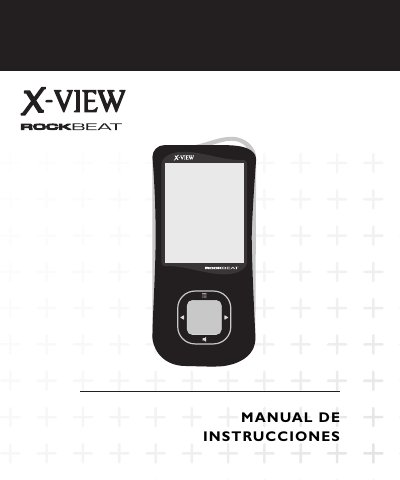
X-VIEW New Player is a portable media player with an elegant design that plays AVI and AMV video and MP1, MP2, MP3, WMA, WMV, ASF and WAV audio. It includes an E-document reader, Secret Space memory partition, seven equalizer tones, a timer, and voice recording in WAV or ACT format.
The manual explains appearance and buttons, screen, battery, basic functions, music, recording, image, system, video, e-book, games, USB port use, software update and file conversion. It also lists frequently asked questions and technical specifications such as a 1.8-inch TFT screen, 2 to 8 GB memory depending on model, and up to 10 hours of playback. This manual is written in Spanish.
| Screen | 1.8-inch TFT (160x120) |
|---|---|
| Memory | 2 to 8 GB depending on model |
| Battery life | Maximum 10 hours in playback mode |
| Voice recording frequency | 8 kHz |
| Voice recording formats | WAV (32 Kbps), ACT (8 Kbps) |
| Voice recording time | 35 hours (ACT, 128 MB Flash) |
| Maximum output | (L) 10 mW + (R) 10 mW (32 ohm) |
| MP3 bitrate | 8 Kbps to 320 Kbps |
| WMA, WMV and ASF bitrate | 5 Kbps to 384 Kbps |
| Frequency response | 20 Hz to 20 kHz |
| Signal-to-noise ratio | 85 dB |
| Compatible formats | MP1, MP2, MP3, WMA, WMV, ASF, WAV |
| Operating temperature | -5 to 40 degrees |
| Compatible operating systems | Windows 98/SE/ME/2K/XP, Mac OS 10, Linux 2.4.2 |
The battery may be empty; recharge it and try turning it on again.
Check that the volume is not set to 0, clean the headphones, verify the files work, and try the radio.
Verify that the selected language is correct.
Check the connection with the computer, install the drivers if not already installed, and check free disk space.