
This is a user manual for a wireless emergency button. It mainly introduces the function, installation method, usage method, and maintenance method of the button.
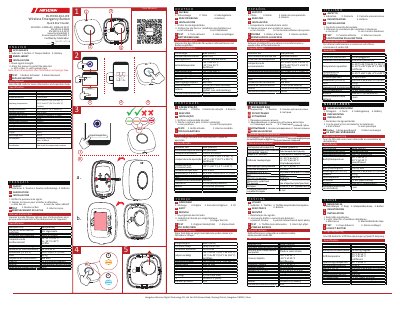
The Hikvision DS-PDEB1-EG2-WE Wireless Emergency Button features button activation and alarm reception. It includes sections for appearance, enrollment, installation, testing, and battery replacement.
The device operates at a transmission frequency of 868 MHz and has an RF range of 1.2 km in open areas. It uses one included CR2450 battery with a standard battery life of 5 years.
| Operating temperature | -10 °C to 55 °C (14 °F to 131 °F) |
|---|---|
| Storage temperature | -20 °C to 60 °C (-4 °F to 140 °F) |
| Operating humidity | 10% to 90% |
| Dimensions | 63.8mm × 63.8mm × 17.9mm |
| Weight | 45.5g |
| Transmission frequency | 868MHz |
| RF range | 1.2Km (open area) |
| Battery | CR2450 x 1 (included) |
| Standard battery life | 5 years |
It uses one CR2450 battery, which is included.
The standard battery life is 5 years.
The RF range is 1.2 km in open areas.
The operating temperature is -10 °C to 55 °C.