
This quick start guide introduces the features and functions of the Inseego MiFi X PRO 5G, including how to start it up, connect to it, use the network status indicators, set it up, and install a SIM card
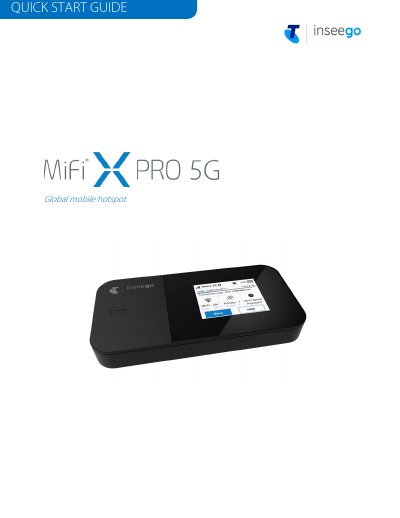
This quick start guide covers the Inseego MiFi X PRO 5G, a global mobile hotspot. It explains the device's status indicators, how to install a Nano SIM card, how to power the device on and off, and how to find the Wi-Fi name and password.
The guide also describes connecting to the Internet, managing the primary and guest Wi-Fi networks (up to 32 devices), accessing advanced settings through the Admin web UI at http://192.168.1.1, monitoring data usage, and resetting the device to factory settings. Additional information covers app requirements and support.
| SIM card type | Nano SIM only |
|---|---|
| Maximum connected devices | Up to 32 Wi-Fi capable devices |
| Wi-Fi networks | Two: primary and guest (guest off by default) |
| Ethernet port | Deactivated by default; can be enabled from the touchscreen or Admin web UI |
| Initial battery charge | At least four hours |
| Admin web UI address | http://192.168.1.1 |
| Power on/off | Press and hold the Power button for three seconds |
| Inseego Mobile app requirements | iOS 13 or above, or Android 9.0 or above |
Use the Inseego Mobile app: scan the QR code to install it from the App Store or Google Play, then follow the in-app instructions to set up and customise your MiFi.
You can connect up to 32 Wi-Fi capable devices across the primary and guest networks.
The device supports only Nano SIM cards, and the SIM card must remain in the slot when in use.
With the device on, remove the battery cover, insert an unfolded paper clip into the Reset hole, and press until the screen shows MiFi Resetting.