
Key facts
- Manuals
- 1
- Languages
- EN
- Last added
- 2023-10-16
Featured Inseego manuals
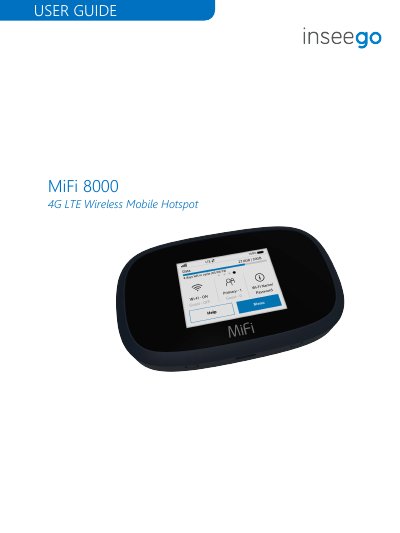
Inseego MiFi 8000 4G LTE Wireless Mobile Hotspot User Guide
The Inseego MiFi 8000 is a 4G LTE wireless mobile hotspot that can connect up to 15 Wi-Fi-enabled devices and is backward compatible with 3G networks. It has a 2.4-inch color touchscreen, a 4400mAh lithium-ion battery, and a USB-C port for charging and USB tethering.
This user guide covers package contents, system requirements, status indicators, power management, battery and SIM replacement, touchscreen operation, and the MiFi 8000 Admin Website. It also includes troubleshooting, product specifications, regulatory statements, and a glossary.
Covers: Overview · Status Indicators · Power Management · Using Your MiFi 8000's Touchscreen · Connecting to Your MiFi 8000 · Managing Your MiFi 8000 Admin Website
Latest Inseego manuals
Inseego MiFi 8000 4G LTE Wireless Mobile Hotspot User Guide
User Manual 72 pages · 3.4 MB · ENUser guide for the Inseego MiFi 8000 4G LTE wireless mobile hotspot, covering setup, touchscreen use, admin website settings, and troubleshooting.
Which document do I need?
User Manual
Day-to-day operation, settings and troubleshooting. Start here if the product is already set up.
Questions answered in Inseego manuals
How many devices can connect to the MiFi 8000 at once?
Up to 15 Wi-Fi-enabled devices can connect to the MiFi 8000 at once.
From: Inseego MiFi 8000 4G LTE Wireless Mobile Hotspot User Guide
What is included in the MiFi 8000 package?
The package includes the MiFi 8000, a 4400mAh standard lithium-ion battery, a pre-installed 4G LTE SIM card, a QuickCharge charger, a Type A to Type C USB cable, and wireless brochures.
From: Inseego MiFi 8000 4G LTE Wireless Mobile Hotspot User Guide