
This is an installation guide that introduces how to install and use Ocean Optics's STS Developer's Kit
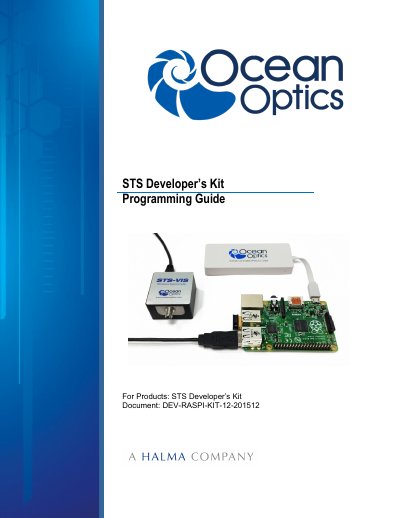
This guide covers the Ocean Optics STS Developer's Kit, a Raspberry Pi-based spectrometer control kit. It explains the web Application Programming Interface (API) that lets users write their own scripts to manage and control the spectrometer, and describes the software architecture in which PHP scripts on the Raspberry Pi communicate with a daemon service through the SeaBreeze library.
The document includes three worked examples — a simple web page to configure and start a short sequence of acquisitions, a script to acquire a spectrum at regular intervals, and a customized peak-finding script on the Raspberry Pi — followed by a web reference listing API parameters for spectrometer, acquisition, and sequence control.
| Default IP address | 192.168.42.1 |
|---|---|
| Software version | 2.1 |
| API language | PHP |
| Source code location | /home/pi/dev-kit on the included SD card |
| Connected spectrometers | More than one; two are assigned channel numbers 0 and 1 |
The API is written in PHP, and most of the code samples in the documentation also use PHP.
The Raspberry Pi is assumed to use the default IP address 192.168.42.1.
Version 2.1 allows more than one spectrometer to be connected; two spectrometers are assigned channel numbers 0 and 1.
The source code is on the included SD card under the directory /home/pi/dev-kit.