
This is a hardware reference manual for the EPOS4 Module/Compact 50/5 position control unit
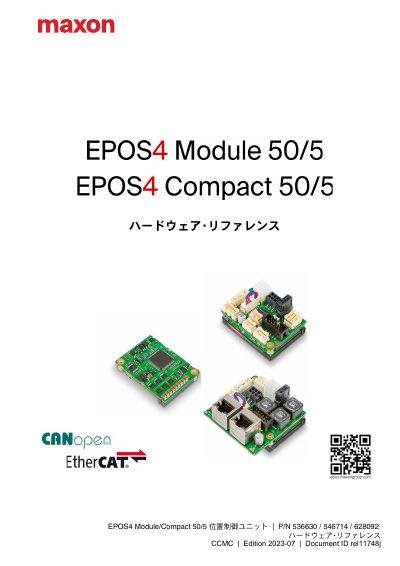
The document is the hardware reference for the maxon EPOS4 Module 50/5 and EPOS4 Compact 50/5 position control units. It is intended for qualified technicians and describes a full-digital compact motion driver that can drive encoder-equipped DC motors up to 400 W and brushless EC motors with encoder or Hall sensors.
It covers technical data, dimensions, standards, pin assignments for the Module and connector board/Compact versions, connections, DIP switch settings, status displays, a motherboard design guide and wiring. The units can be controlled as CANopen or EtherCAT slave nodes and can also be used via USB or RS232 on Windows and Linux systems. This manual is written in Japanese.
| Maximum motor power | 400 W |
|---|---|
| Control modes | Position, speed and current control |
| Network interfaces | CANopen or EtherCAT |
| Host interfaces | USB and RS232 |
| Order number, Module version | 534130 |
| Order number, Compact CAN version | 541718 |
| Order number, Compact EtherCAT version | 628094 |
It can drive encoder-equipped DC motors up to 400 W and brushless EC motors with encoder or Hall sensors.
It is designed primarily to be controlled as a slave node on a CANopen or EtherCAT network.
USB and RS232 are available; the Module version requires an external transceiver for RS232.
The order number is 534130.