
This is a product description file that details the installation method of the Cello digital servo drive.
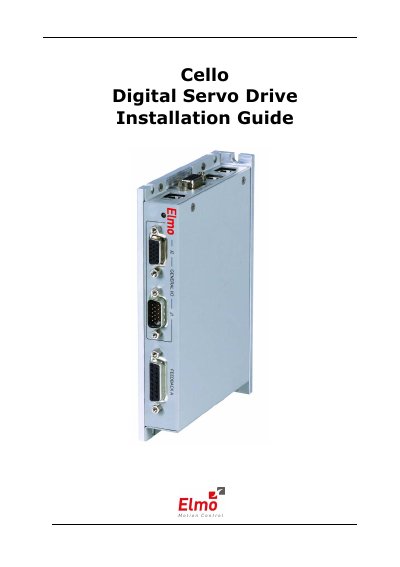
The Cello Installation Guide (document MAN-CELIG) describes the Elmo Motion Control Cello servo drive and the steps for wiring, installation, and powering up. The drive operates in digital current, velocity, position, and advanced position modes with a permanent-magnet synchronous brushless motor or DC brush motor, using sinusoidal or trapezoidal commutation with vector control.
The Cello can run stand-alone or in a multi-axis network and is set up and tuned with Elmo’s Composer software. It is powered from a 10 to 195 VDC source, with an optional external 24 VDC supply for backup, and is available in Standard and Advanced versions with RS-232 and/or CANopen communication. The guide covers safety information, mounting, cable connections, feedback and I/O wiring, communication, power-up, initialization, and technical specifications.
| DC power supply range | 10 to 195 VDC |
|---|---|
| Current loop resolution | 12-bit |
| Commutation | Sinusoidal with vector control or trapezoidal |
| Supported motors | Permanent-magnet synchronous brushless or DC brush motor |
| Communication | RS-232 and/or CANopen |
| Optional backup supply | External 24 VDC power supply |
| Versions | Standard and Advanced |
The Cello is powered by a 10 to 195 VDC source.
The Cello is set up and tuned using Elmo’s Composer software, a Windows-based application.
Both versions operate with RS-232 and/or CANopen communication.
Elmo drives are warranted for 12 months from installation or 18 months from shipment, whichever comes first.