
This document is the LaCinema HD Connect user manual, which introduces the features and characteristics of the product and how to use it
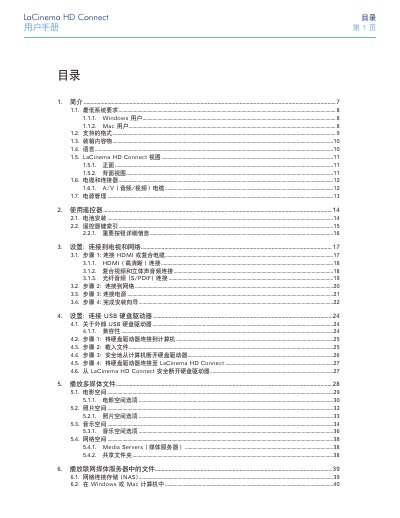
This manual guides users through connecting the LaCinema HD Connect to TVs and networks, using USB drives, playing media files, and sharing content across a home network. It includes setup instructions, troubleshooting, and system requirements for Windows and Mac computers.
The device supports various video and audio formats and can be controlled via a remote. It also covers formatting external USB drives, adjusting settings for video, audio, and display, and managing network connections. This manual is written in Chinese.
| Supported Video Formats | MPG, AVI, MP4, MKV, WMV, ISO, VOB, IFO, ASF, TS, TP, TRP, MTS, M2TS, DAT |
|---|---|
| Minimum System Requirements (Windows) | 500MHz Intel Pentium II or higher, Windows XP/Vista/7, 256MB RAM, USB port, Internet connection |
| Minimum System Requirements (Mac) | G5 or higher, Mac OS X 10.4.9, 256MB RAM, USB port, Internet connection |
| Power Requirements | 100-240 V~,1.5 A,60-50 Hz |
It supports MPG, AVI, MP4, MKV, WMV, ISO, VOB, IFO, ASF, TS, TP, TRP, MTS, M2TS, and DAT.
Requires 500MHz Intel Pentium II or higher, Windows XP/Vista/7, 256MB RAM, USB port, and Internet connection.
Requires G5 or higher, Mac OS X 10.4.9, 256MB RAM, USB port, and Internet connection.
It requires 100-240 V~, 1.5 A, 60-50 Hz.