
LaCinema Black PLAY User Manual, introduces the features and characteristics of LaCinema Black PLAY, including minimum system requirements, supported formats, package contents, languages, LaCinema Black PLAY views, using the remote control, installing LaCinema Black PLAY, playing multimedia files, playing and copying files from external sources, etc.
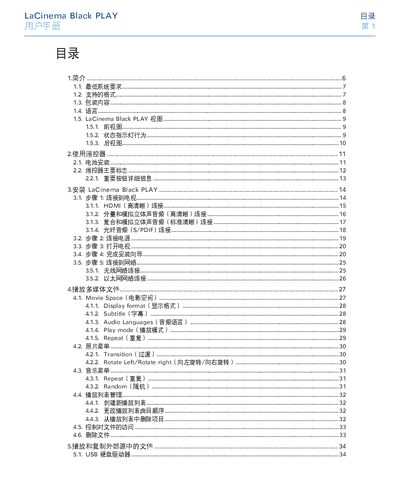
This manual introduces the LaCie Black PLAY media player, its hardware interfaces, and the steps needed to install it with a TV or network. It also covers remote‑control operation, supported video/audio/photo formats, and how to manage playlists and external storage.
Additional sections detail the settings menu, firmware updates, troubleshooting tips, warranty information, and contact details for LaCie technical support. This manual is written in Chinese.
| Maximum video decoding resolution | 1920 × 1080 p |
|---|---|
| Supported video formats | MPEG‑1, MPEG‑2/HD, MPEG‑4, DIVX, XVID, H.264 HD, WMV9 HD, AVI, MPG, MP4, MKV, WMV, MOV, ISO, VOB, IFO, ASF, TS, TP, TRP, M2 TS |
| Supported audio formats | MP3, WMA, AAC, OGG, AC3, MP4, WAV/LPCM, DTS |
| Network interfaces | Ethernet 10/100 Mbps, Wi‑Fi 802.11n |
| Power requirements | 100‑240 V~, 4 A, 60‑50 Hz |
| Operating temperature range | 5 °C – 30 °C |
| Operating humidity range | 5 % – 80 % non‑condensing |
Use the supplied HDMI cable for the highest video quality.
Press the “Reset to Factory Settings” button; the device will reset and the installation wizard will start again.