
This document is the User Manual of FlyingVoice FTA5102E2/FTA5101 voice gateway, which mainly introduces the product functions, hardware installation, usage methods, etc.
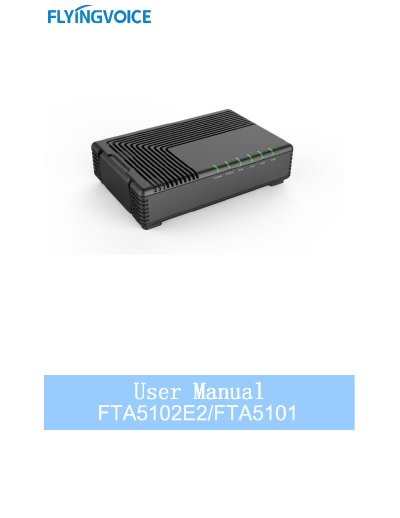
This FlyingVoice user manual covers the FTA5102E2 and FTA5101 voice gateways. It describes the FTA5102E2 as a stand-alone VoIP ATA with two FXS ports, one LAN port, and one WAN port, providing two SIP lines and up to two concurrent VoIP calls without requiring a PC.
The manual includes IVR voice prompt configuration, basic settings, the web interface, SIP settings, dial rules, firmware upgrade, IPv6 address configuration, and troubleshooting.
| Ports (FTA5102E2) | Two FXS ports, one LAN port, one WAN port |
|---|---|
| SIP lines | Two SIP lines |
| Concurrent VoIP calls | Up to 2 concurrent VoIP calls |
| Fax support | T.38 real-time fax and T.30 fax with G.711 |
| SIP standard | SIP V2.0 |
| Management protocols | TR-069 CPE management and monitoring |
| Network function | Wire-speed NAT router |
| PC requirement | Stand-alone device; no PC required for Internet calls |
The FTA5102E2 provides two SIP lines for users to make calls.
It supports T.38 real-time fax and T.30 fax with G.711.
Yes. It is a stand-alone device that requires no PC to make Internet calls.
Press and hold the reset button for 10 seconds to restore factory defaults.