
Key facts
- Manuals
- 1
- Languages
- ZH
- Last added
- 2023-10-30
Featured Flying Voice manuals
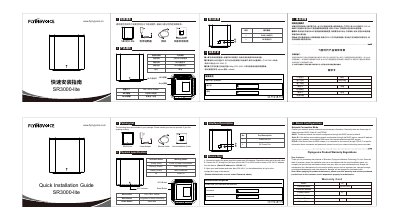
FlyingVoice SR3000-lite Router Quick Installation Guide
This guide walks you through connecting the SR3000-lite router to power and your PC, setting up network access modes (DHCP, Static IP, PPPoE), and logging into the configuration page. It includes device dimensions, port descriptions, and indicator status. The guide also references warranty information for product support. This manual is written in Chinese.
Covers: Packing List · Physical Specification · Interface Description · Device Startup · Network Connection Mode · Login Credentials
Latest Flying Voice manuals
FlyingVoice SR3000-lite Router Quick Installation Guide
Quick Start Guide 1 pages · 649 KB · ZHQuick setup guide for FlyingVoice SR3000-lite router with power, network, and login instructions.
Which document do I need?
Quick Start Guide
The shortest path to a working setup, usually only a few pages.
Questions answered in Flying Voice manuals
How do I log in to the router’s configuration page?
Open a web browser and enter http://192.168.1.1. Use the default admin account and password: admin.
From: FlyingVoice SR3000-lite Router Quick Installation Guide
What are the network connection modes supported?
The router supports DHCP, Static IP, and PPPoE modes for network configuration.
From: FlyingVoice SR3000-lite Router Quick Installation Guide