
This document describes the usage precautions of the dash cam.
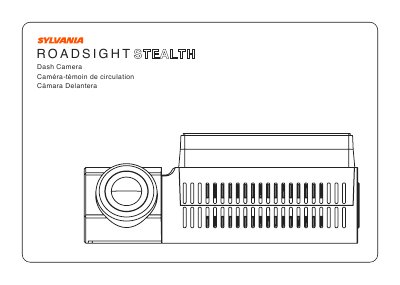
This manual provides instructions for installing, powering, and using the Sylvania dash cam. It covers mounting the device, connecting to a mobile device via Wi-Fi, adjusting the viewing angle, and updating firmware. Safety precautions are included, such as avoiding airbag areas and ensuring the device is not exposed to moisture. The manual also details recording capabilities based on model variants and power requirements.
| Field of View (Basic) | 110° |
|---|---|
| Field of View (Better Vision) | 120° |
| Field of View (Greatest Image Quality) | 140° |
| Field of View (Most Features) | 130° |
| Operating Temperature | 14°F to 140°F (-10°C to 60°C) |
| Storage Temperature | -4°F to 158°F (-20°C to 70°C) |
| Input Voltage | 5VDC, 1.5A |
| Charging Input Voltage | 12-24VDC |
Open your phone’s Settings, tap Wi-Fi or Connections, select the dash camera hotspot, and enter the password '12345678'.
The maximum allowable memory card size is 128GB for the Stealth model.
Yes, download the firmware file from www.sylvania-automotive.com/firmware, format the memory card, transfer the file, and follow the on-screen instructions.
The operating temperature range is 14°F to 140°F (-10°C to 60°C).