
This file is the SYLVANIA SMART+ user guide, which introduces how to pair, use, update firmware and other operations of SYLVANIA SMART+ products
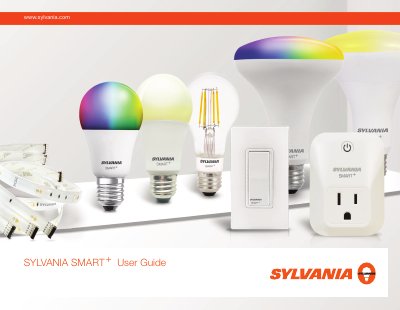
This guide explains setup and everyday use of SYLVANIA SMART+ smart bulbs through Apple HomeKit, Bluetooth, and Zigbee. It covers adding accessories, controlling brightness and color, creating scenes and rooms, and connecting to voice assistants.
It also includes firmware update instructions for switching between Apple HomeKit and Bluetooth Mesh compatibility, plus troubleshooting steps such as account deletion and device reset.
Power the bulb off and then on five times to reset it, then repeat the setup step.
It is on the user manual that came with the bulb, or an 8-digit code printed on the bulb can be entered manually.
Use the firmware update process to change system compatibility from BLE Mesh to Apple HomeKit.