
User manual
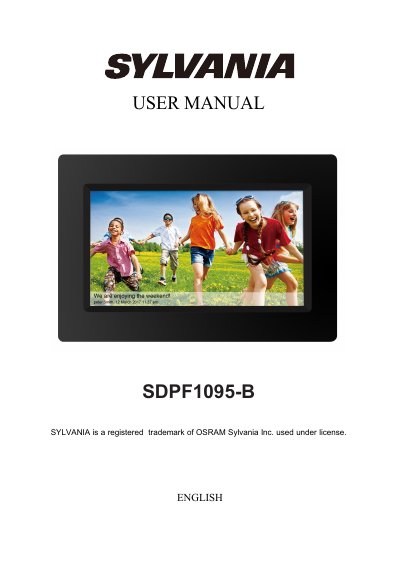
This manual is for the Sylvania SDPF1095-B digital photo frame. It explains initial setup, connecting to Wi-Fi, adding friends through the frameo app, navigating photos, and using settings.
It also covers photo management, display and slideshow options, backup and restore, reset, and product specifications including Android 6.0, Rockchip 3126, 8GB storage, and a 10.1-inch IPS display.
| Operating system | Android 6.0 |
|---|---|
| CPU | Rockchip 3126 |
| RAM | 512 DDRIII |
| Storage | 8GB NAND Flash |
| Display | 10.1 inch 1280x800 IPS |
| Touch panel | 5-point capacitive touch screen |
| Wi-Fi | 802.11 b/g/N |
| Picture format | JPEG |
Use a needle or paper clip to press the RESET button.
No, the USB port is for data transfer only, not charging.
No, photos cannot be copied from the product to a computer; send them by app or Micro SD card.
Slightly press the screen, open settings, find Wi-Fi, select a network, and connect.