
This manual provides detailed instructions on how to operate the LC-VC1 multimedia projector. It includes information on how to use the projector safely, how to assemble and install it, how to use it, how to maintain it, and how to troubleshoot problems.
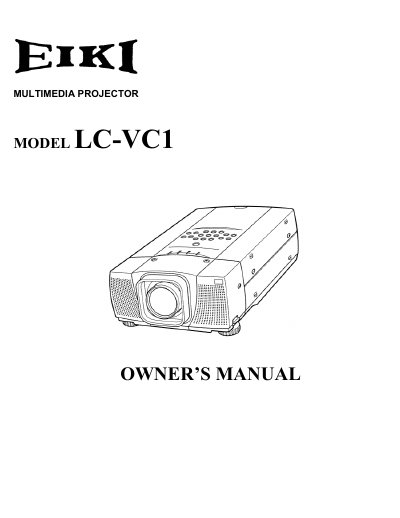
The LC-VC1 is a multimedia projector with a matrix LCD and a palette of 16.77 million colors. This owner's manual covers setup, connections, operation, on-screen menus, computer and video modes, settings, maintenance, troubleshooting, and technical specifications.
Supported inputs include computer signals up to 1280 x 1024 resolution, component video, S-Video, and six color systems. Features described include motor-driven lens shift, zoom and focus, keystone correction, digital zoom, progressive scan, and power management.
| Display resolution | 1366 x 768 dots (computer input) |
|---|---|
| Horizontal TV lines | 800 |
| Color palette | 16.77 million colors |
| Display technology | Matrix LCD |
| Maximum computer resolution | 1280 x 1024 |
| Supported color systems | NTSC, PAL, SECAM, NTSC 4.43, PAL-M, PAL-N |
| Component video formats | 480i, 480p, 575i, 575p, 720p, 1035i, 1080i-50, 1080i-60 |
| Digital zoom | Up to 16x (computer) |
| On-screen menu languages | 9 languages |
It accepts NTSC, PAL, SECAM, NTSC 4.43, PAL-M, and PAL-N.
It supports IBM-compatible and Macintosh computers up to 1280 x 1024 resolution.
It turns the projection lamp off when no signal is detected and no button is pressed for over 5 minutes; the lamp turns on again when a signal or button operation is detected.
English, German, French, Italian, Spanish, Portuguese, Dutch, Swedish, and Japanese.