
This document describes how to use the elero Centero Transmitter Stick to control electric window curtains, including installing the driver, connecting the motor, learning the motor, and controlling the motor.
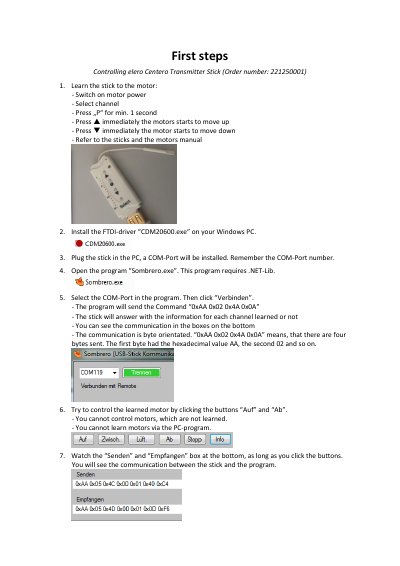
This manual provides step-by-step instructions for pairing the elero Centero Transmitter Stick (Order number: 221250001) with a motor. The process involves switching on the motor power, selecting a channel, and pressing specific buttons on the stick to initiate movement up or down. Users are directed to refer to the sticks and motors manual for further details on this pairing process.
The document also details how to control the stick using a Windows PC. This includes installing the FTDI-driver (CDM20600.exe), connecting the stick to a COM-Port, and using the Sombrero.exe program to verify communication and control the motor. Additionally, it explains how to use the HTERM terminal program to send and receive hexadecimal commands.
No, you cannot learn motors via the PC-program.
Select 38400 Baud in the HTERM program.