
This user manual covers the installation, electrical connection, and programming of the elero JA Comfort electronic drive for venetian blinds.
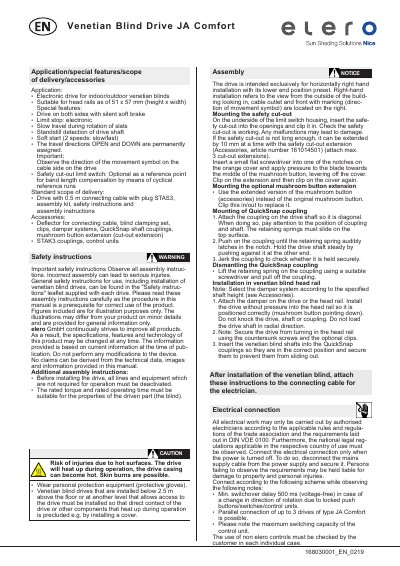
The elero JA Comfort is an electronic drive designed for indoor and outdoor venetian blinds, featuring a silent soft brake and electronic limit stops. It is suitable for head rails with dimensions of at least 51 x 57 mm and supports parallel connection of up to three drives. The drive operates with permanently assigned travel directions for OPEN and DOWN, utilizing a mushroom button for positioning and optional cyclical reference runs for automatic adjustment.
| Application | Electronic drive for indoor/outdoor venetian blinds |
|---|---|
| Head rail suitability | 51 x 57 mm (height x width) |
| Brake type | Silent soft brake |
| Limit stop type | Electronic |
| Parallel connection | Up to 3 drives |
| Switching delay | Min. 500 ms (voltage-free) |
The drive is suitable for head rails with a height of 51 mm and a width of 57 mm.
Yes, parallel connection of up to 3 drives of type JA Comfort is possible.
Press the OPEN push button until the drive is stopped by the mushroom button to set the upper end position.